Why book with Villario
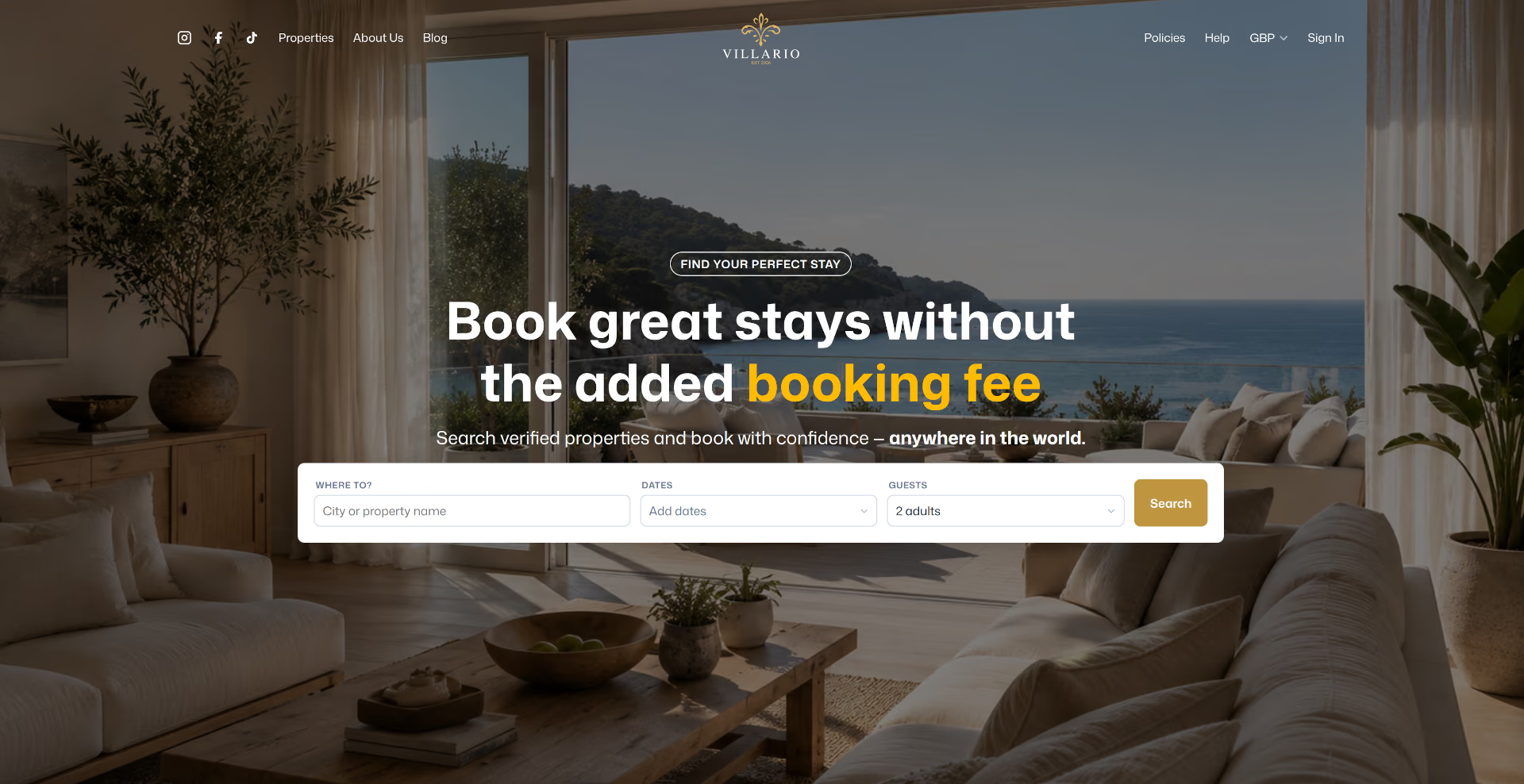
The price you see on a property is the price you pay — Villario doesn't add its own booking fee on top at checkout.
The total at checkout is room rate, any host-configured add-ons (cleaning, pets, etc.), tax, and a refundable damage deposit where one applies — nothing extra gets added on Villario's side. Villario's own commission comes out of what the host is paid, not out of what you pay.
Beyond price, everything is built to make booking direct feel as safe and easy as a marketplace: flexible-date search, saved searches and a wishlist, itemised pricing before you commit, built-in messaging with your host, an identity check on the few requests that need a closer look, ratings and reviews in both directions, clearly stated cancellation policies, and a structured dispute process if a stay doesn't go to plan.
Getting started checklist
- Create an account — you can browse and search without one, but you'll need it to book, message a host, or save anything.
- Search by destination and dates, or leave dates flexible and narrow down later.
- Read the listing — sleeping spaces, amenities, cancellation policy, and host details are all there before you book.
- Book — your payment method is authorized and your request goes to the host to confirm.
- Everything after that — messages, any identity check, your access details, and your receipt — lives in My Bookings.
Creating your account
You can search and browse properties without signing in. To book, message a host, save a search, or wishlist a property, you'll need a Villario account — registration just needs an email and password (or a supported sign-in provider, where enabled).
Your account holds your profile (name, phone, preferred language), your booking history, saved searches, wishlist, and any push-notification preferences for booking updates. It's the same account you'll use to verify your identity if we ask you to before sending a booking request — see Identity checks & your country. When you register we also ask which country you live in.
Searching
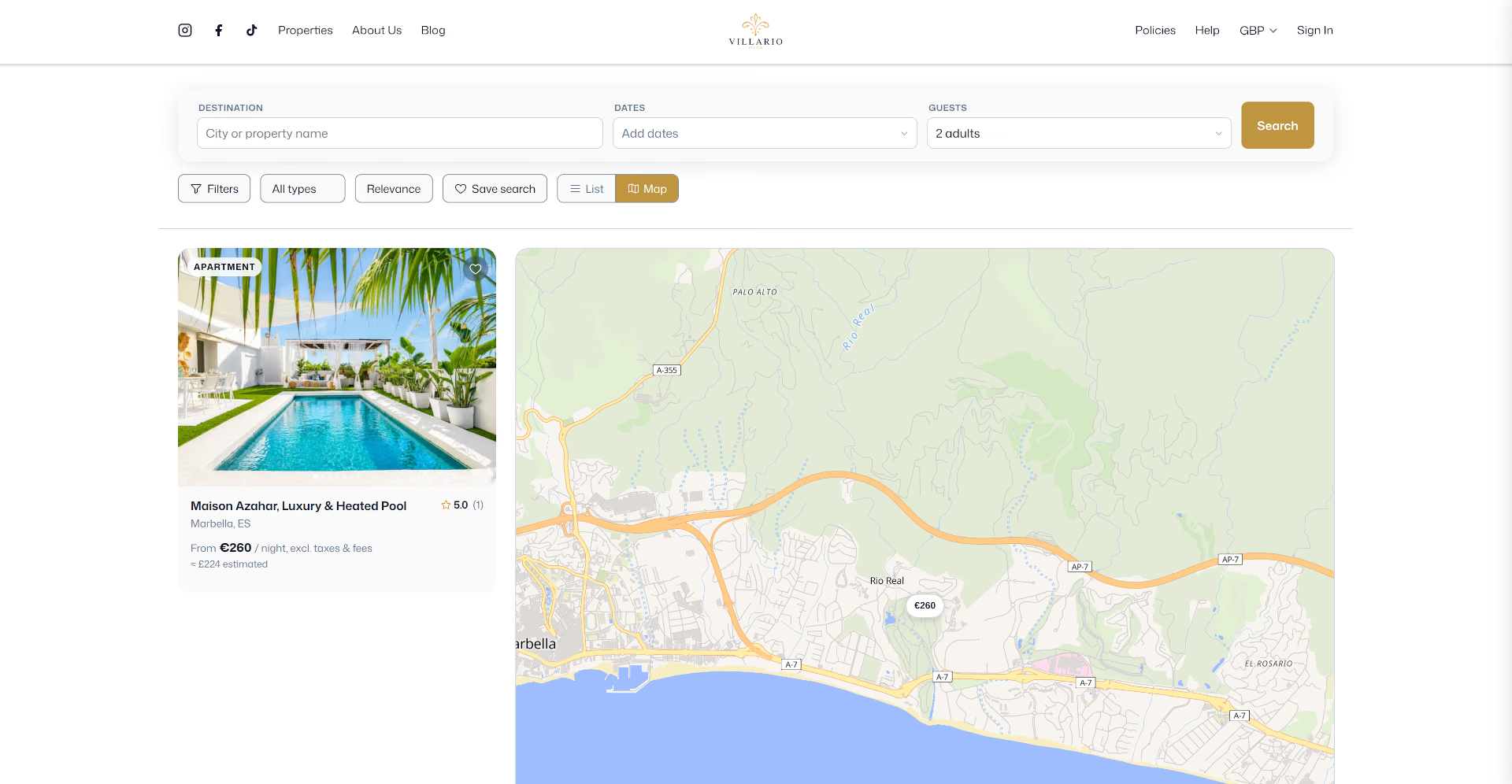
Search by city or region, with or without exact dates — leave dates flexible to browse first and narrow down later. Filter by property type, price range, amenities, minimum rating, and number of guests (adults, children, and infants).
A calendar view on each property shows day-by-day pricing and availability, and every property publishes an iCal feed the host can also sync outward — the availability you see is what's actually bookable, not a stale snapshot.
Saved searches & wishlist
Saved searches
Save a destination/dates/filter combination instead of re-entering it every time — give it a label, and optionally an alert email for when new matches come in.
Wishlist
Tap the heart on any property card or detail page to save it for later — your full wishlist is one tab in your account, and the same toggle shows you at a glance which properties you've already saved.
Reading a listing
Every property page is built to answer your questions before you book, not after:
| Section | What it tells you |
|---|---|
| Gallery & sleeping spaces | Photos and a breakdown of beds per space — useful for whole-property listings where you're booking the entire place, not a specific room. |
| Amenities & "Things to know" | What's included, plus house rules, check-in/out times, and safety information. |
| Host details | Display name, response rate and response time, languages spoken, how long they've been hosting, and whether their own description mentions a confirmed local registration — no personal contact details until you're booked or messaging. |
| Ratings & reviews | Scored on cleanliness, location, value, and service, with the host's public responses shown alongside. |
| Cancellation policy | Stated plainly on the listing itself — Flexible, Moderate, Strict, or a custom policy — before you ever reach checkout. |
| Booking widget | Live pricing for your dates and the map location. |
Got a question before you commit? You can message the host directly from the listing — see Messaging your host, which works the same whether or not you've booked yet.
Making a booking
Every booking is a Request to Book: it authorizes your payment method and sends the host your request — they have a set response window (24, 48 or 72 hours, set by the host) to accept or decline. If they don't respond in time, the booking is automatically confirmed or declined, whichever the host has chosen. Some hosts don't set a deadline, in which case your request waits until they respond.
Enter your dates, number of adults, children, and infants (a property will tell you upfront if it can't accommodate infants), and any special requests for the host. Some properties let you add extras — cleaning, pet fees, and similar — as part of the same booking.
Understanding your price
Nothing is folded into one opaque number. Before you pay, you'll see:
| Line item | Notes |
|---|---|
| Room / property rate | Nightly rate × nights, already reflecting any seasonal, length-of-stay, early-bird, last-minute, or weekend pricing rules the host has set. |
| Add-ons | Cleaning fee, pet fee, or anything else the host has configured — itemised individually, not bundled. |
| Tax | Calculated per the property's jurisdiction — shown separately, or noted as already included in the rate. |
| Damage deposit | Refundable, shown as its own line — see below. |
Where a property has one, it's charged as part of your single upfront payment — not a separate card hold you have to remember. It's released back to you automatically after checkout (typically within about two weeks) unless a dispute is opened against your stay, and you can see its status any time from your booking.
Payment methods & installments
Pay by card or bank transfer, depending on what's enabled for that property — and where supported, view and pay in your own currency rather than the host's listed one.
For eligible bookings, you can choose to split the total into two or more installments instead of paying it all upfront: the first installment is due at booking, with the remainder scheduled afterward. This option, where available, is offered right on the booking screen — it's not something you need to request separately.
My Bookings
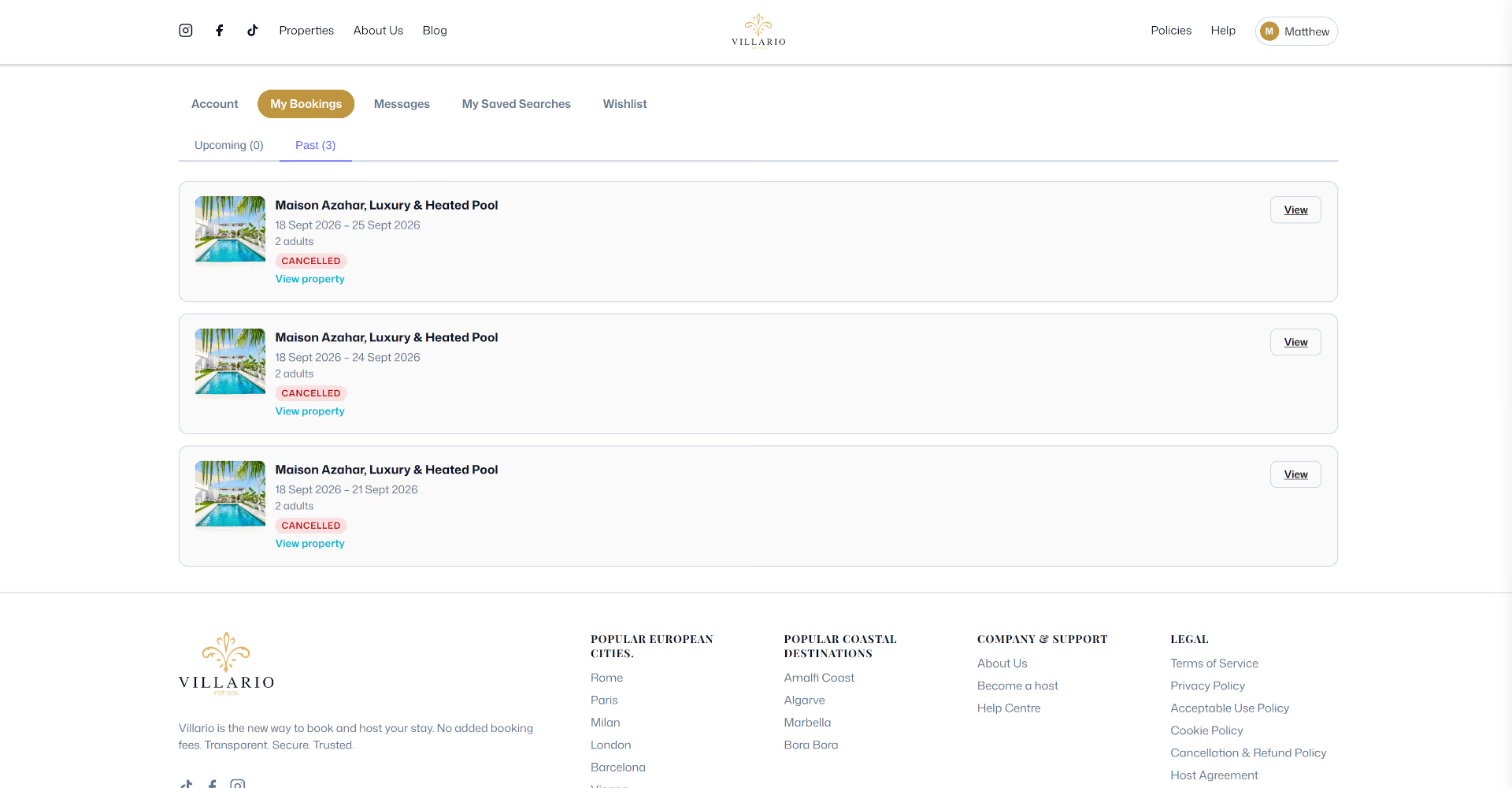
Every booking you've made, upcoming and past, with full status and an itemised receipt for each — property name, dates, guest count, and the exact charge breakdown from Understanding your price. Open any booking to message the host, check your damage-deposit status, cancel (the dialog shows exactly what you'd be refunded first), or open a dispute if something's wrong.
Messaging your host
Message a host before you book to ask a question — no need to have a reservation to start a conversation — and the same thread continues after you book, right through to after checkout. You never need to share personal contact details to reach them; it all happens inside Villario.
Identity checks & your country
Why we sometimes ask you to verify who you are
Sometimes, before we send your booking request to the host, we ask you to verify your identity. We do this when a request shows signs that need a closer look (for example a new account making a high-value booking at short notice), or when the host has chosen to accept only verified guests. Most guests are never asked.
When you submit a request your card is authorised: the money is held, not taken, and payment is captured only when the host accepts. You then photograph a government-issued ID with our payment partner, Stripe. You have 12 hours (2 hours if your stay starts within 48 hours), and we remind you halfway. Once you're verified your request goes to the host and the booking carries on as normal. A verification lasts 12 months, so you're not asked again on every booking.
Two ways to verify
Fast: you also take a short selfie, which Stripe compares with your ID photo. That is a facial scan, so we ask for your explicit consent first, and you can withdraw it any time from your account under "Your identity check". Standard: no selfie and no facial scan; a member of our team reviews your document instead, which can take up to 24 hours. Your request waits and is not cancelled if the review takes longer. Choosing standard review never counts against you.
If it doesn't work
If a photo is unclear you can try again, up to three times, or choose manual review. If you don't verify in time, or the dates are confirmed to someone else while you verify, we cancel the request and release the hold on your card: you aren't charged and the host isn't told. If we can't confirm your identity we cancel the request, release the hold and tell you why, and you can ask a member of our team to review the outcome from your booking page.
Who sees what
Stripe, not Villario, handles your ID image and selfie. We keep only the result, the date and a reference. Hosts never see your ID or the details of the check; if you're verified they see a "Verified guest" label. Villario does not collect your ID for the host. If the law where your property is requires the host to register guests or keep a guest register, the host asks you directly, at or before check-in, outside Villario.
Your country of residence
When you register, and for each booking, we ask which country you live in (and, for a booking, where each adult in your party lives; by default the same as you). We use it for reporting that the law requires of platforms like us, to set your starting currency and date format, and as one of several signals that help prevent fraud: living in a different country from your card or document is normal and is never a failure on its own. Hosts never see it. You can correct it from My Bookings until your stay ends, and the details are in our Privacy Policy.
Check‑in & welcome guide
Before you book, a property's map only shows an approximate area, never the exact address. Once your booking is confirmed, the full address, an exact map and an "Open in Google Maps" link appear on your booking page. Check-in instructions are released closer to your stay, at a time each host sets (48 hours before check-in unless they choose otherwise). If the property uses a smart lock or keypad, your active door code appears on your trip page and updates automatically if the host regenerates it.
Many hosts also attach a Welcome Guide — house-specific tips, Wi‑Fi details, local recommendations — viewable (and sometimes downloadable as a PDF) from the same booking.
Cancelling & refunds
Every property states its cancellation policy before you book, and whatever was in force at the moment you booked is what applies to you — a host changing their policy later never affects a reservation you already made. The three common presets:
| Policy | Typical terms |
|---|---|
| Flexible | Full refund if you cancel at least 24 hours before check‑in. |
| Moderate | Full refund 5+ days out; 50% inside that window. |
| Strict | 50% refund 7+ days out; no refund after. |
Some properties use a custom policy instead of a preset — always shown on the listing and again at checkout, so there's no surprise at cancellation time.
Two things sit on top of every policy. If you cancel within 24 hours of paying, and check‑in is still at least 48 hours away, you get a full refund whatever the policy says — useful if you booked the wrong dates or the wrong property. It doesn't apply to last‑minute (fast‑track) bookings, where the property's standard policy applies from the moment you pay; checkout tells you so before you pay. And if a host cancels, you're always refunded in full, deposit included, whatever the policy says. Before you confirm a cancellation, Villario shows you exactly what you'll get back.
Leaving a review
Once your stay is complete, you can rate the property on cleanliness, location, value, and service, plus an overall score and a written comment — visible to future guests alongside the host's public response, if they leave one.
If something goes wrong
If a stay doesn't match the listing, a cancellation disagreement can't be resolved directly, or there's a payment issue, open a dispute from the booking:
Open & discuss
Describe what happened, attach photos or evidence, and message the host directly in the dispute thread.
Escalate
Either of you can escalate to the Villario team at any point — it also escalates automatically if the thread goes quiet for 48 hours with no resolution.
Resolution
Villario reviews the evidence and issues a binding outcome — a refund, a damage-deposit adjustment, or another resolution — and you're notified either way.
You can open a dispute any time from check‑in through 14 days after checkout.
Frequently asked questions
Do I need an account to search?
No — browsing and searching is open to everyone. You only need an account to book, message a host, save a search, or wishlist a property.
Is there a Villario booking fee?
No separate fee is added to your total at checkout. What you see itemised — room rate, add-ons, tax, and any damage deposit — is what you pay.
Is my booking confirmed straight away?
Not always. Every booking is a Request to Book: your request goes to the host, who has the response window they've set (24, 48 or 72 hours) to accept or decline before it's automatically confirmed or declined. If they haven't set one, your request waits for their response. For some short‑notice stays a host may allow fast‑track bookings, which are confirmed automatically if the host hasn't responded within 1 or 2 hours.
When do I get my damage deposit back?
Automatically, typically within about two weeks after checkout, unless a dispute is open against the booking — you can check its status any time from My Bookings.
Why am I being asked to verify my identity?
Before we send some booking requests to the host, we check who is booking, to prevent fraud. It's triggered by signs on the request or by a host who accepts only verified guests, not by who you are or where you're from. See Identity checks & your country.
Can I message a host before I book?
Yes — start a conversation from any property page, no reservation required.
Getting support
For anything about a specific stay — a question, a problem, a disagreement with your host — opening a dispute from the booking gets you a faster, better-tracked resolution than email. For anything else, reach the Villario team from the support option in your account, or via guests@villario.co.uk.